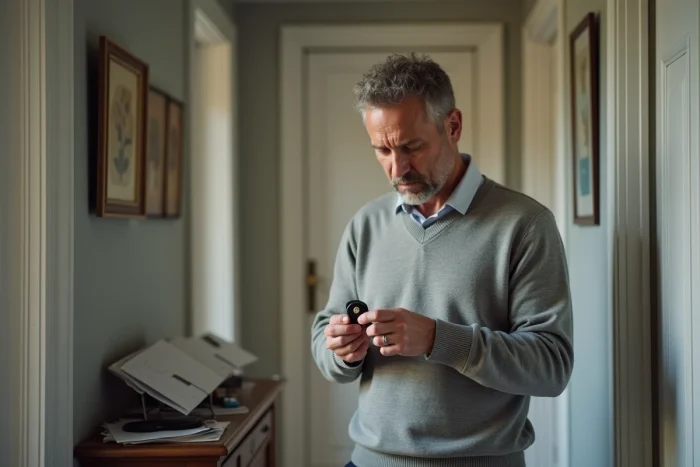
A malfunctioning Verisure badge does not just complicate turning the alarm on or off. It undermines the sense of security upon which the entire system relies. Certainly, there is still the access code. But between forgetfulness, unsuccessful attempts, and temporary lockouts, accessing the home can quickly become a puzzle.
The malfunction sometimes originates from a dead battery, a damaged badge, or a connectivity issue with the control panel. In the face of such uncertainties, there are concrete solutions to regain control, avoid frustration, and restore peace at home without delay.
Why is my Verisure badge unresponsive: understanding possible causes
The Verisure badge is silent, and with it, the entire protection system comes to a halt. This small accessory centralizes the management of the alarm at home, in the workplace, or in an apartment. When it refuses to respond, several technical avenues immediately come to mind.
Often, the battery dies without warning. By frequently overlooking this detail, one misses the most common cause of the problem. However, the source of the malfunction can also lie within the badge reader: a worn internal component, an RFID, Bluetooth, Wi-Fi, or NFC signal that no longer transmits, and communication with the control panel collapses. Sometimes, a slight desynchronization is enough to put the entire system on hold.
There are other explanations: incorrect user profile settings, a suspended Verisure account, or a poorly recorded access change. Interference, increasingly common with the proliferation of connected devices, muddles the transmission. And if the system’s SIM card loses its connection, the entire security chain seizes up.
With this variety of scenarios, the question is far from trivial: what to do if my Verisure badge is not working? There are plenty of answers, as shown in the comprehensive file ‘Verisure Badge Not Working: Solutions to Resolve the Issue – Quartier Bricole’. But one must first make an accurate diagnosis to quickly regain control of their protection device.
Practical solutions to reactivate a malfunctioning badge
When faced with a silent Verisure badge, one must proceed methodically. Always start by checking the batteries. A simple replacement, respecting the model and polarity, often restores the device to working order. This quick action resolves the majority of sudden failures.
If the badge remains inoperative, the Verisure app becomes invaluable. It allows you to reset or reprogram the badge in a few well-guided steps. This manipulation resolves many blockages caused by a faulty synchronization between the badge and the alarm control panel.
Another point of control is the user profile and the associated account. A suspended access, an oversight in the settings, or the deletion of a profile can explain the inability to activate the alarm. Ensure that the rights are up to date, that the account is functioning, and that the badge is correctly associated with the relevant user.
Several simple actions can help you act quickly when a badge seems out of service:
- Change the battery if the badge light remains off.
- Restart the badge reader after briefly cutting its power supply.
- Temporarily use the user code to activate or deactivate the alarm until the badge is operational again.
If nothing works, a general reset via the multifunction badge reader offers an alternative before considering the intervention of a professional. Each step, carried out with diligence, ensures the continuity of security at home.

When and how to request Verisure assistance with peace of mind
If the Verisure badge stubbornly refuses to work despite all attempts, it is time to call in a specialized team. The Verisure customer service remains the go-to address for analyzing the malfunction and assisting in restoring the device. This step is necessary as soon as the reset via the app or reader proves ineffective, or if there is any doubt about the security of the premises.
Before calling, gather useful information: contract number, badge reference, and a precise description of the symptoms. This prepared exchange allows the Verisure technician to move more quickly towards a solution. In case of urgent need, suspicion of intrusion, or a blocked alarm, remote monitoring takes over and, if necessary, alerts the authorities.
Also, remember to inform your insurance if reporting the malfunction is part of the protection contract conditions. This can influence coverage in case of damage or theft. Verisure assistance, accessible by phone or via the mobile app, supports the user at every step, from problem detection to resolution, with the responsiveness expected in the home security sector.
Here are the reflexes to adopt in this situation:
- Call customer service if the technical problem persists.
- Request a technician’s intervention if standard manipulations do not yield results.
- Rely on remote monitoring for any alerts or sabotage attempts.
When technology falls silent, vigilance takes over. A repaired badge is a door that closes on uncertainty and opens up to regained tranquility.